Account screen
The account section is self service account configuration page for the Focus portal. It lets Super Users update or manage account level settings like forced comments, transcription or API access.

The Account page (2) is accessible via the Admin menu (1) in the left hand bar and is comprised of a number of sub sections. This page is designed to help you setup Focus how you want to use and your organization want to use it. Each sub section is detailed below and can be accessed via the tab bar at the top of the page.
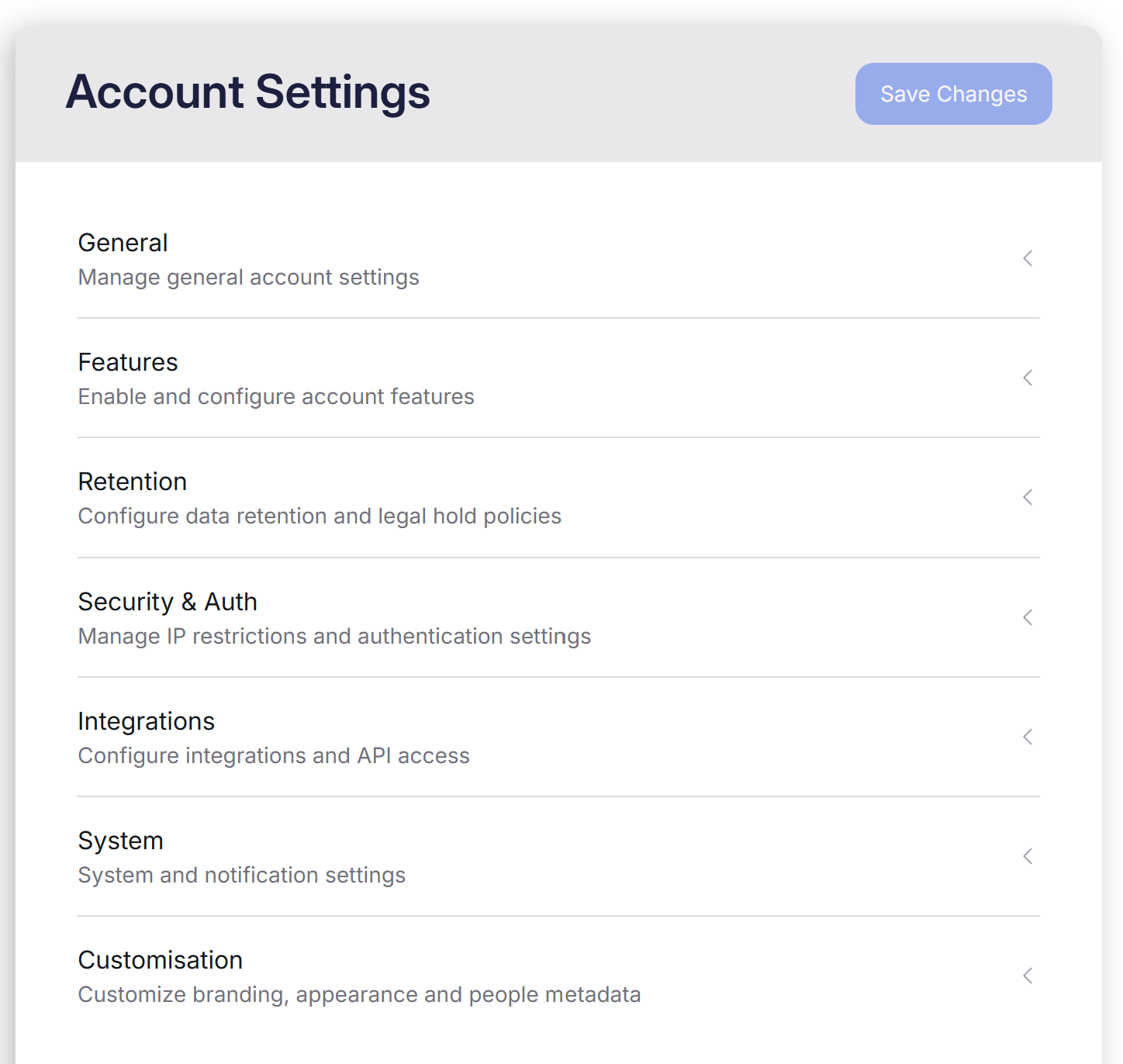
Each section is covered below in detail and as we expand the self service options, this document will be kept up to date so you can make Focus, yours.
This page of the Focus portal can only be accessed by Super users.
Sections
Within the Account area you can find the following:
- General - Covering your account details
- Features - Covering AI options, forced comments, reviews and network integration options
- Retention - Account level legal hold option
- Security & Auth - IP restriction and 2FA
- Integrations - Integrations with other systems including API, SFTP, CRMS and Email
- Customisation - Personalise the look and feel of your Focus portal